Next.js 16 template · 5 venue demos
Escape room websites built for group visits.
Five distinct demos for escape rooms and puzzle events. Let guests find an age-appropriate adventure, split a group across rooms, or plan an event at their own venue.
- Venue demos, each with its own brand
- 5
- Designed pages, plus a page for every room
- 40
- Working planners, from finder to request
- 5
- Servers or databases needed to host it
- 0
Five brands, one codebase
The difference
What happens when two more guests join?
Most venue templates stop at a contact form. ClueCircuit plans the visit. Switch between 18 and 20 guests and the same planner the demo uses splits the group across rooms, keeps every team within capacity and moves the extra team to the next free session.
- No singleton teams: groups stay within each room’s minimum
- Booked rooms and later sessions come from the venue’s data
- The plan travels to a printable, shareable itinerary
Group size
Friday 20 November · preferred start 4:15 PM · sample availability
Everyone starts together
3 teams of 6. All 18 guests start together at 4:15 PM.
- Team AThe Signal Station6 players4:15–5:15 PM
- Team BThe Observatory6 players4:15–5:15 PM
- Team CMidnight Broadcast6 players4:15–5:15 PM
Five complete demos
Choose a venue by business type
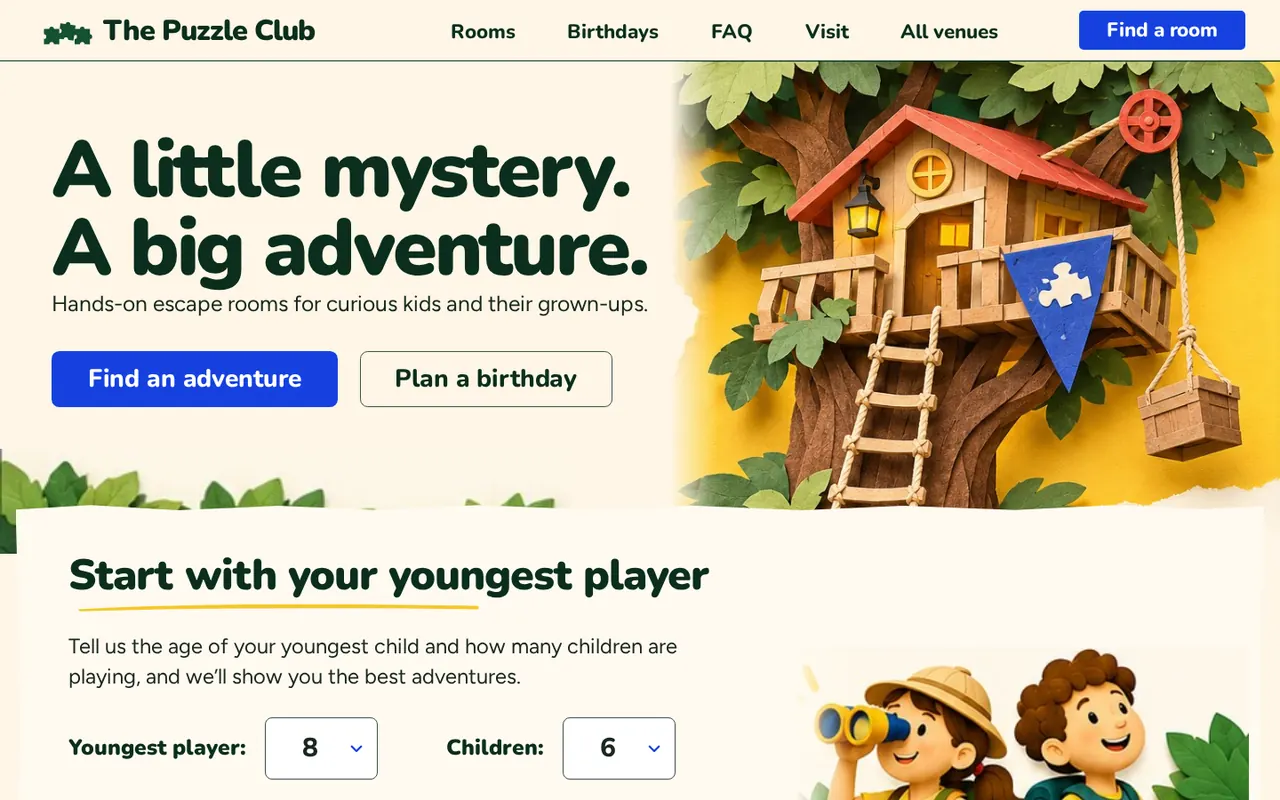
Each demo has its own brand, eight designed pages and a planning journey a guest can finish on a phone.
01
Family & birthday venue
The Puzzle Club
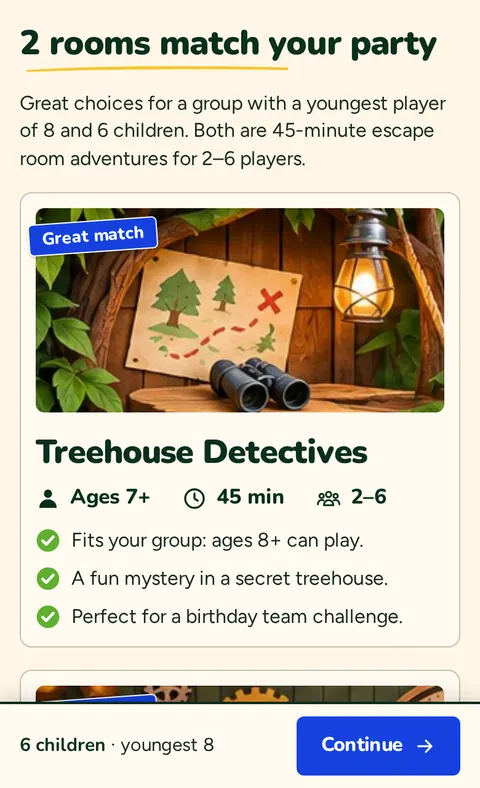
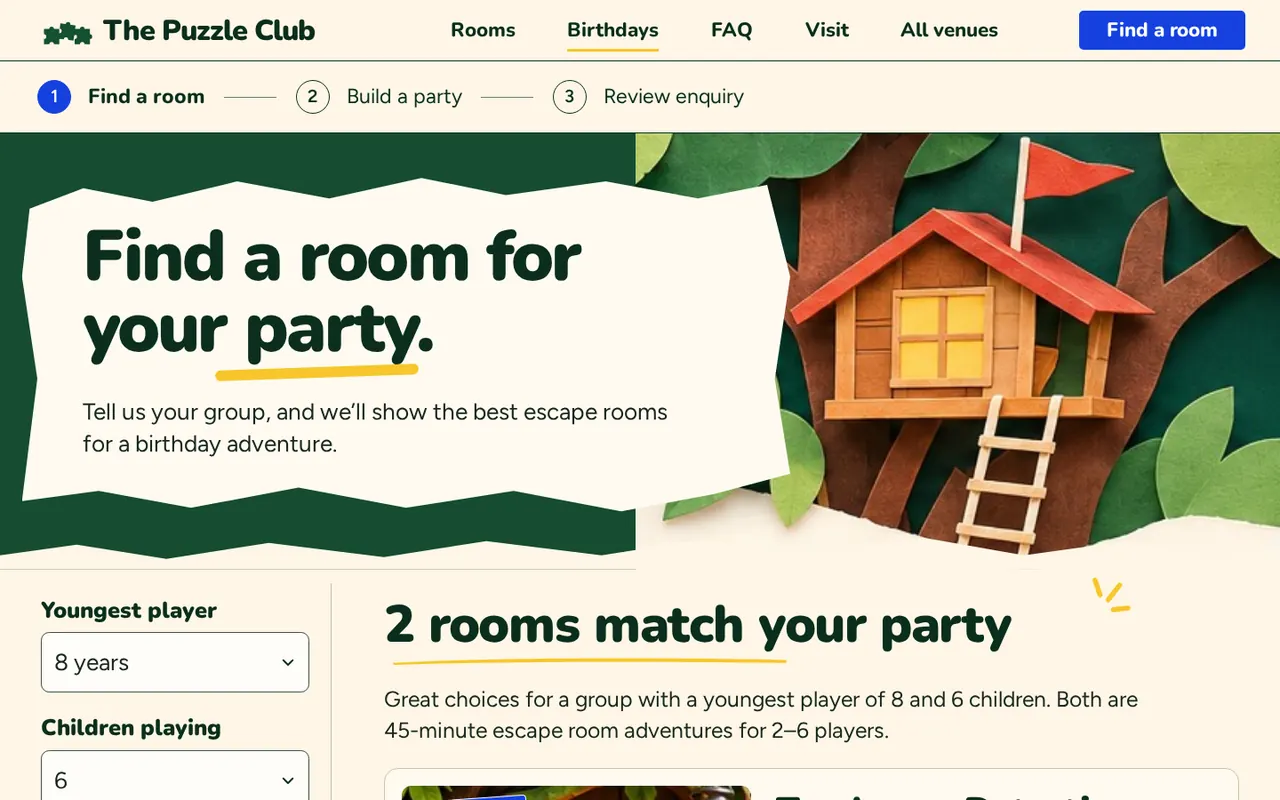
Find adventures by the youngest player's age and compare room-only with party-package pricing.
- Age-based finder
- Party package builder
- Grown-ups' FAQ
02
Boutique escape venue
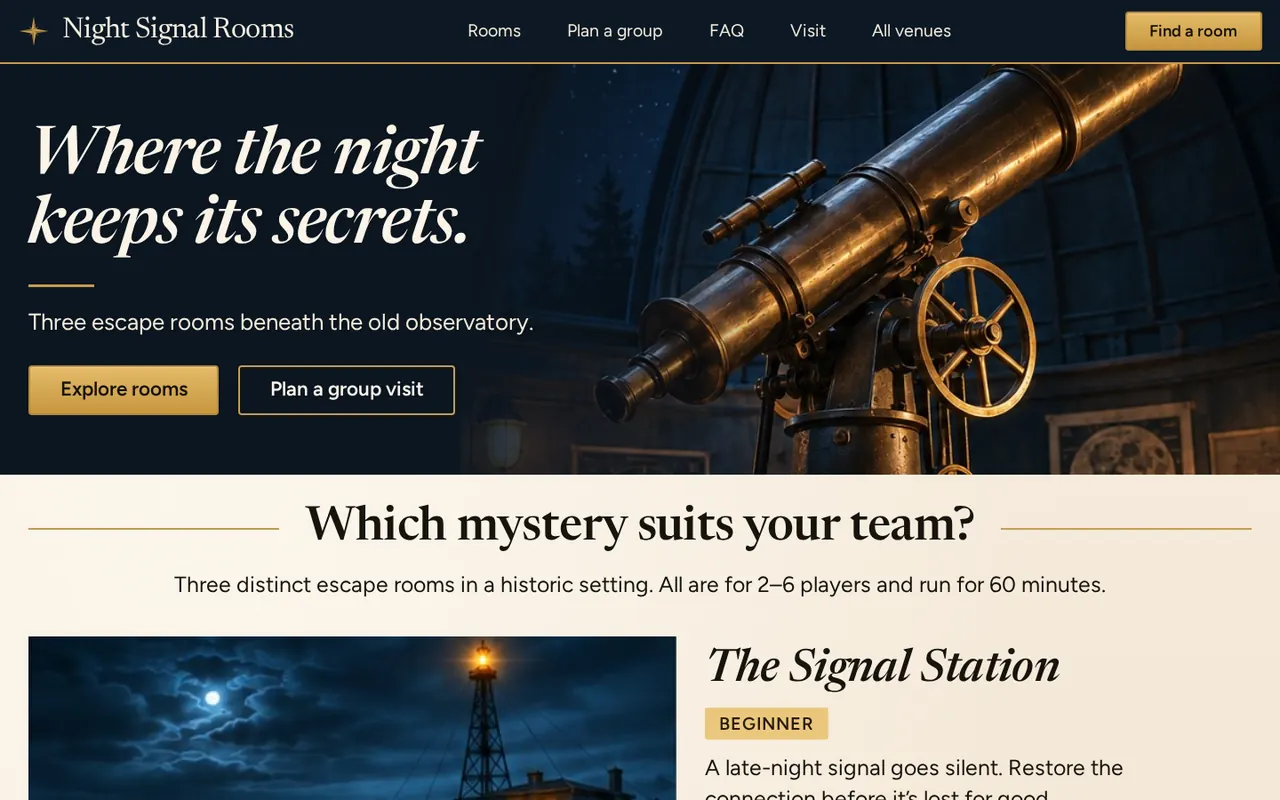
Night Signal Rooms
Split a party of up to 18 across three rooms, then print or share the itinerary.
- Group planner
- Printable itinerary
- Session picker
03
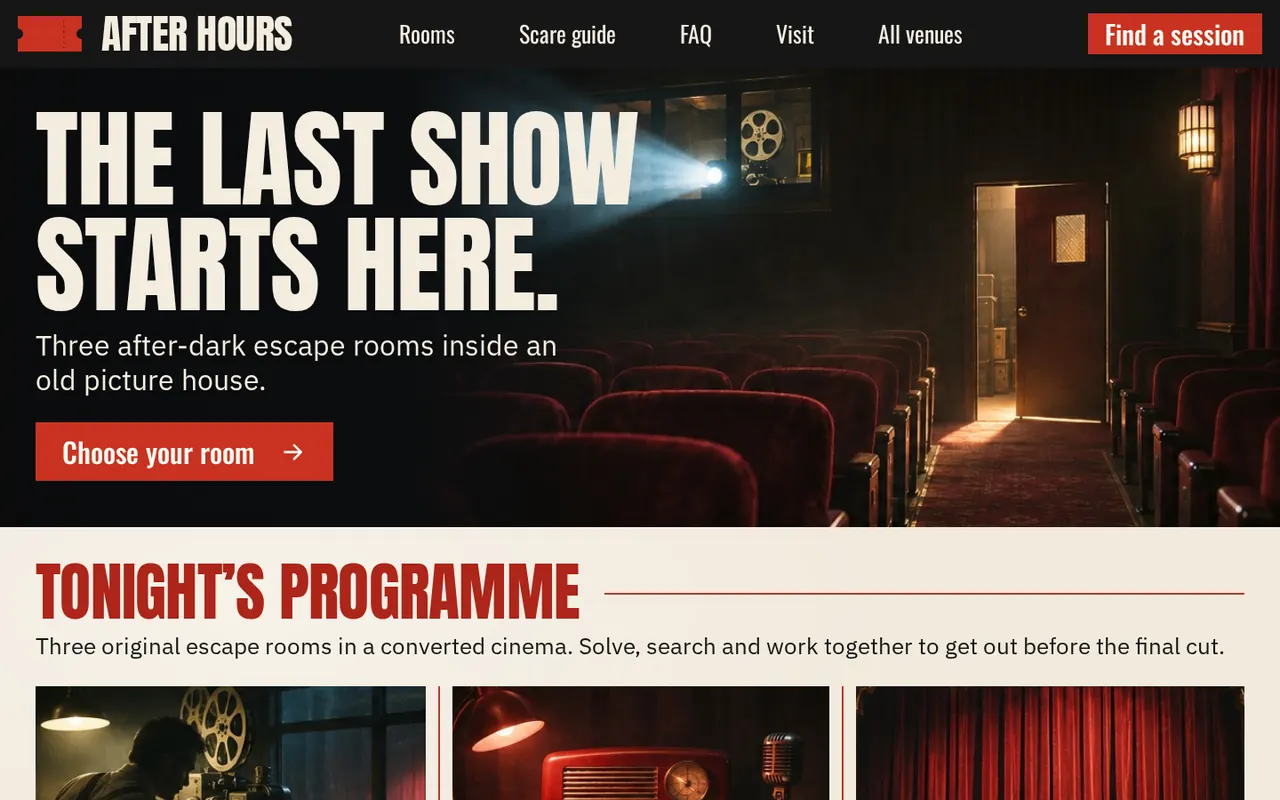
Late-night horror and live theatre
After Hours
Choose a scare level, read the actor and sensory notes, then pick a late session.
- Scare-level finder
- Actor & sensory guide
- Past-midnight sessions
04
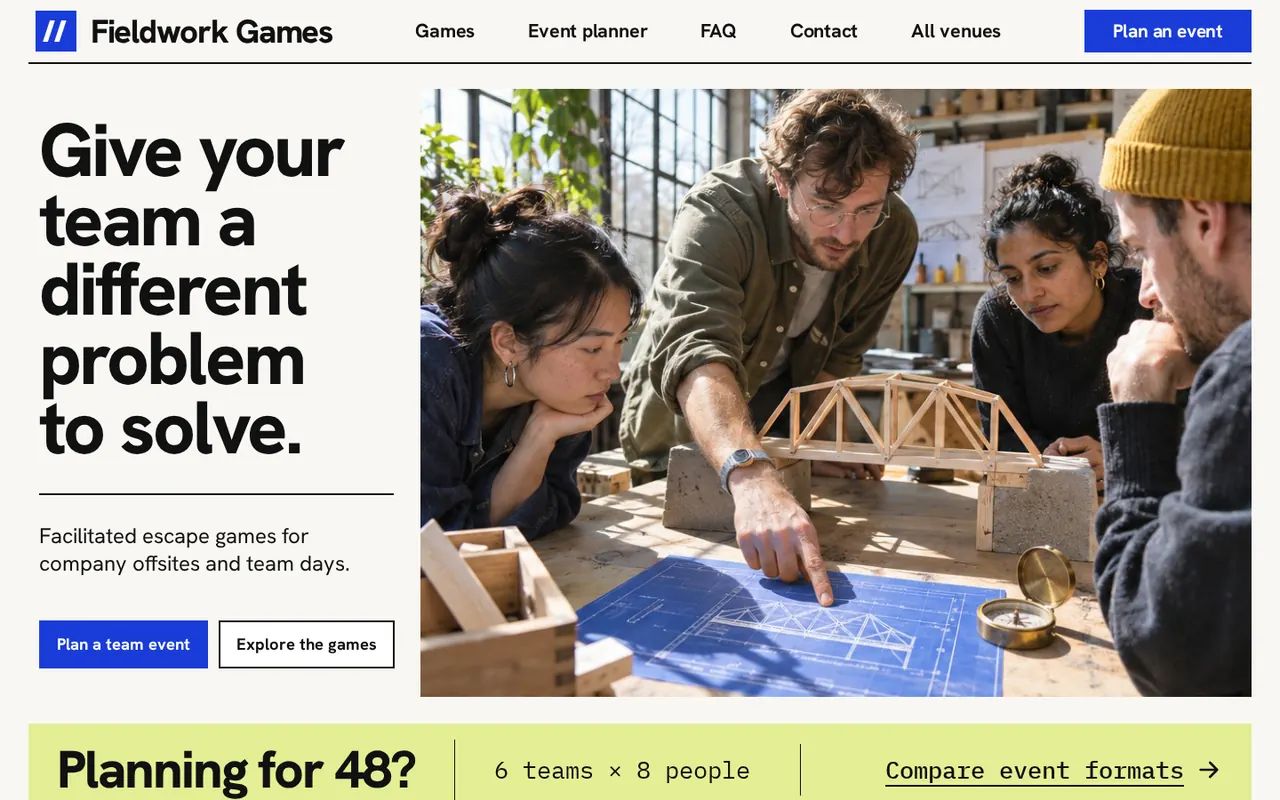
Corporate team-building
Fieldwork Games
Compare six kits at once with three kits in two waves for a 48-person offsite, then request a quote.
- Corporate event brief
- Schedule comparison
- Quote request
05
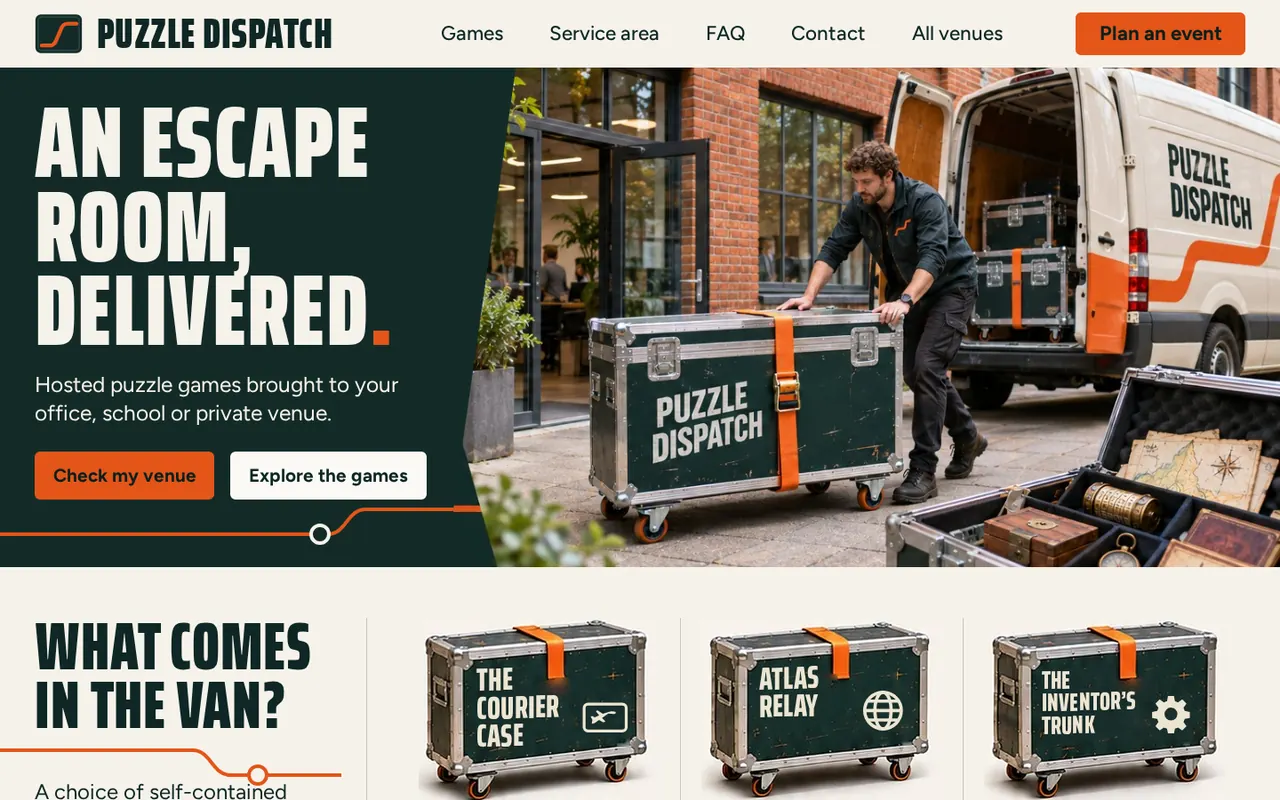
Mobile escape games
Puzzle Dispatch
Check a postcode, fit 24 players into four kits on a floor plan and prepare a mobile event request.
- Service-area checker
- Floor-plan setup check
- Event request
Inside the template
The polish carries past the homepage
Every demo’s planner pages are designed as carefully as its homepage. Open any screen at the exact step shown.
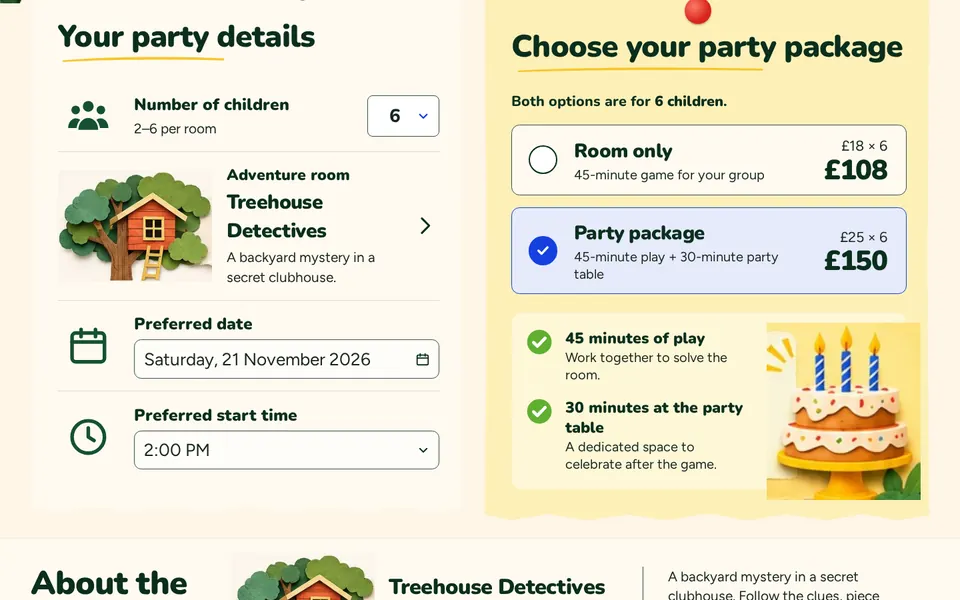
Birthday package comparison
Room only at £108 or the party package at £150 for six children. Prices recalculate as the group changes.
Open this screen: Birthday package comparison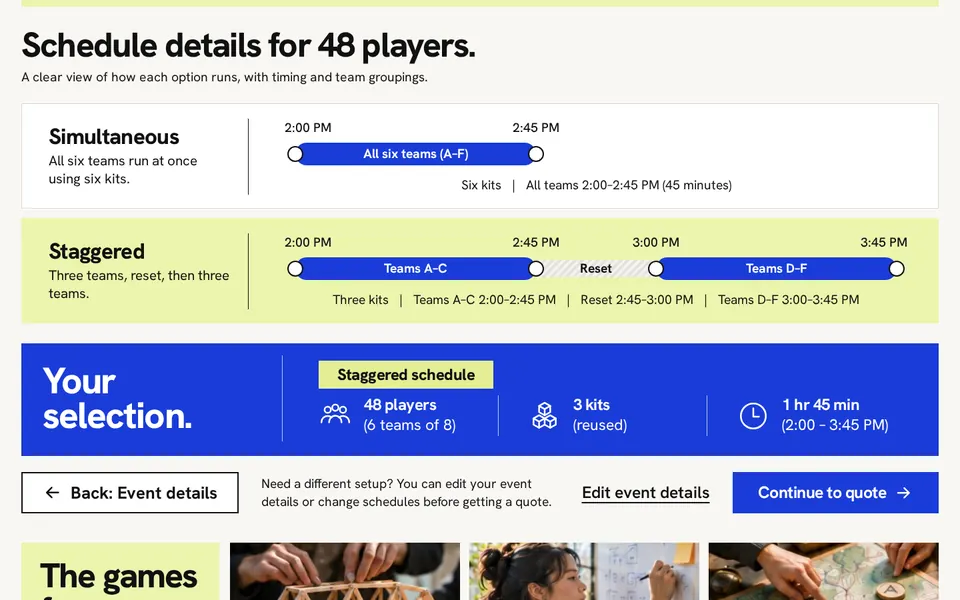
Corporate schedule comparison
Waves, kit resets and finish times are worked out from team size and kit count, drawn to scale.
Open this screen: Corporate schedule comparison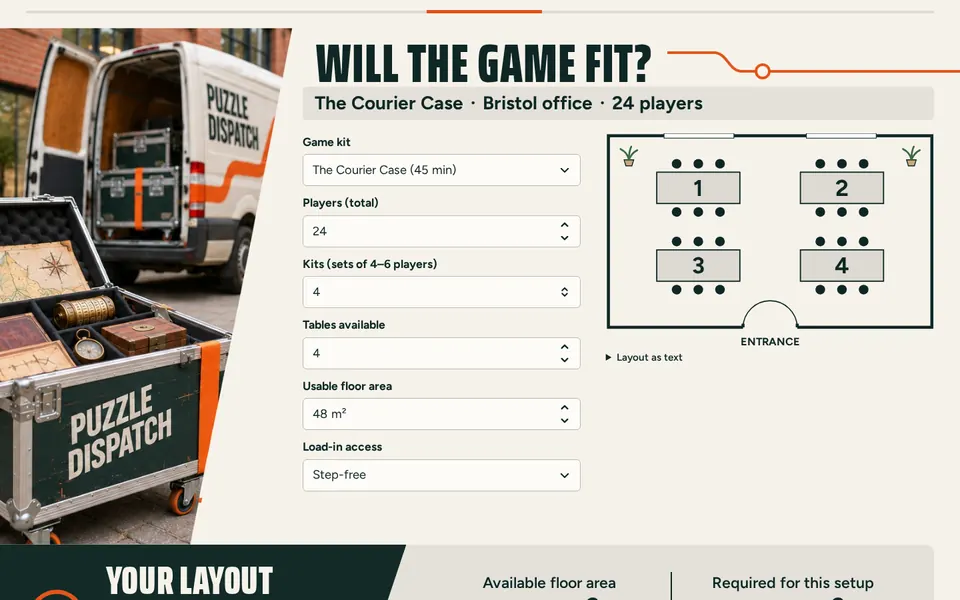
Venue setup check
Tables, kits and floor area become a live floor plan, with clear next steps when a venue needs review.
Open this screen: Venue setup check
Built for developers and agencies
Everything a venue site needs, nothing it doesn’t
One codebase, five brands
Each demo has its own colours, fonts, logo, navigation and layouts, built on shared components.
Build a single venue
One setting builds just the venue you need. It opens at the site root and the other demos are left out.
Real planning rules
Capacities, prices, session times and timezones live in plain data files, with unit-tested planning logic.
Shareable plans
Planner choices live in the link, so back, reload and share work. Names and emails never do.
Print-ready itineraries
Group plans and requests print cleanly on an ordinary office printer.
Bring your own booking
Hand sessions to your booking system with one URL, or post enquiries to an endpoint you operate.
Accessible by default
Semantic HTML, labelled fields, keyboard menus, reduced motion and text alternatives for maps and plans.
Host it anywhere
A static export that runs at a domain root or in a sub-folder, on any static host. No server required.
Make it yours
Make it yours in an afternoon.
- 1
Pick a venue
Set NEXT_PUBLIC_DEMO to the demo closest to your client.
- 2
Edit one data file
Rooms, prices, capacities, sessions and copy all live in the venue's data.ts.
- 3
Connect bookings
Add your booking URL, or point enquiries at your own endpoint.
What’s in the download
- Editable Next.js 16 project with TypeScript and a lockfile
- Five venue demos and the showcase
- Self-hosted fonts with their licences
- Sized placeholder images for every image slot
- Offline HTML documentation for beginners
- Unit and browser tests
// src/venues/night-signal/data.ts
export const venue = {
  name: "Alder Studio",
  bookingUrl: "https://bookings.example.com/alder",
  // …
};

{
  id: "the-observatory",
  name: "The Observatory",
  maxPlayers: 6,
  priceFromMinor: 3100, // £31 per player
}
Questions
Before you buy
Practical answers about bookings, hosting and the preview images.
Does it take bookings or payments?
No. Planners prepare the visit and hand it to your existing booking system through a link, or send an enquiry to an endpoint you operate. Nothing is booked or charged by the template itself.
Can I launch just one venue?
Yes. Choose one demo at build time. That venue opens at the site root, and the showcase and other demos are left out of the export.
Are the preview images included?
No. The photographs and illustrations in this preview are for demonstration only. The download includes placeholder images at the right size for every slot, ready for your own artwork.
Where can I host it?
Anywhere that serves static files: Netlify, Vercel, Cloudflare Pages, GitHub Pages, S3 or ordinary shared hosting, at a domain root or in a sub-folder.
How do enquiries reach the venue?
In demo mode, forms prepare the request on screen and send nothing. Set an enquiry endpoint, such as a serverless function, form service or CRM webhook, and forms post a JSON request to it.
Can I add more rooms or games?
Yes. Copy a record in the venue's data file and change its values. The directory, detail page, filters and planner pick it up automatically.
Pick a venue and plan a visit.
Every demo works end to end in your browser. Nothing is sent or booked.